


Outlook 2FA Instructions
Last updated: Nov 12, 2026
6
views

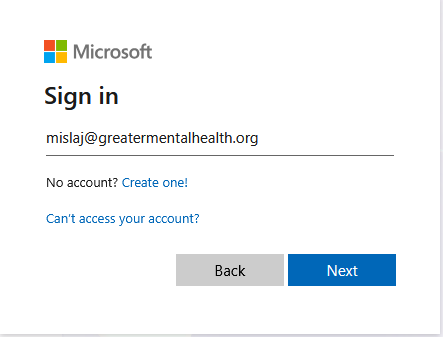
To Log in enter email address:
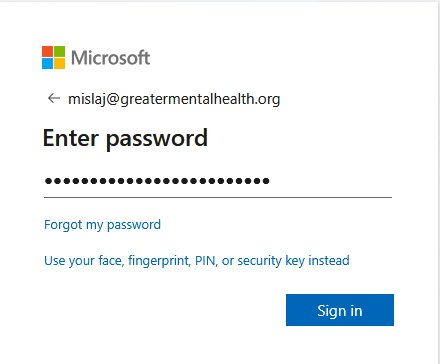
Enter the password for your account:
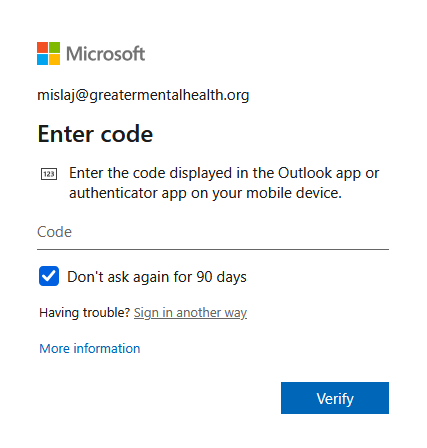
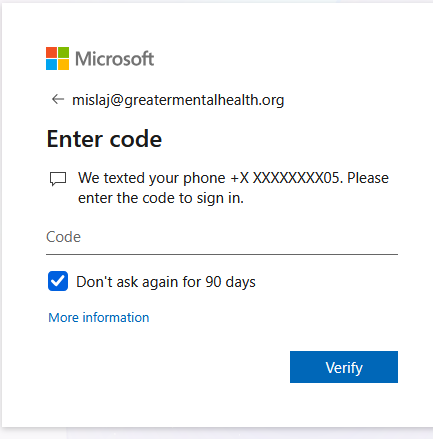
You will be asked to verify your account with a multi factor authentication. This can be done with either a text message, a code, a passkey or a call.
For the code, paste the 6 digit code from your authentication below:
If you are unsure, you can click on "sign in another way". This will provide some alternate methods to verify (as mentioned above).
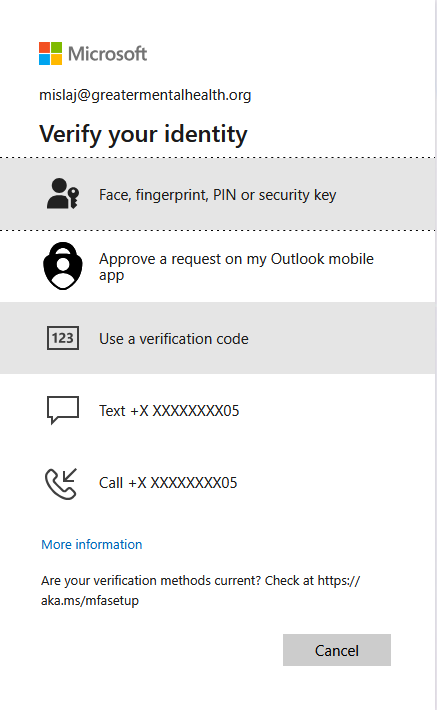
Select the method you would like to use. Each way with provide instructions.
For text or call:
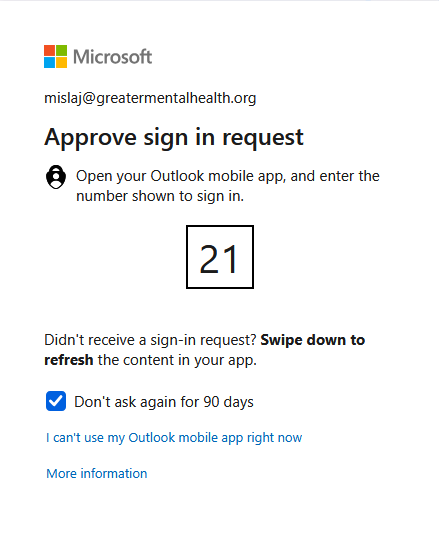
For Outlook App:
After clicking verify - you will be signed in.

